
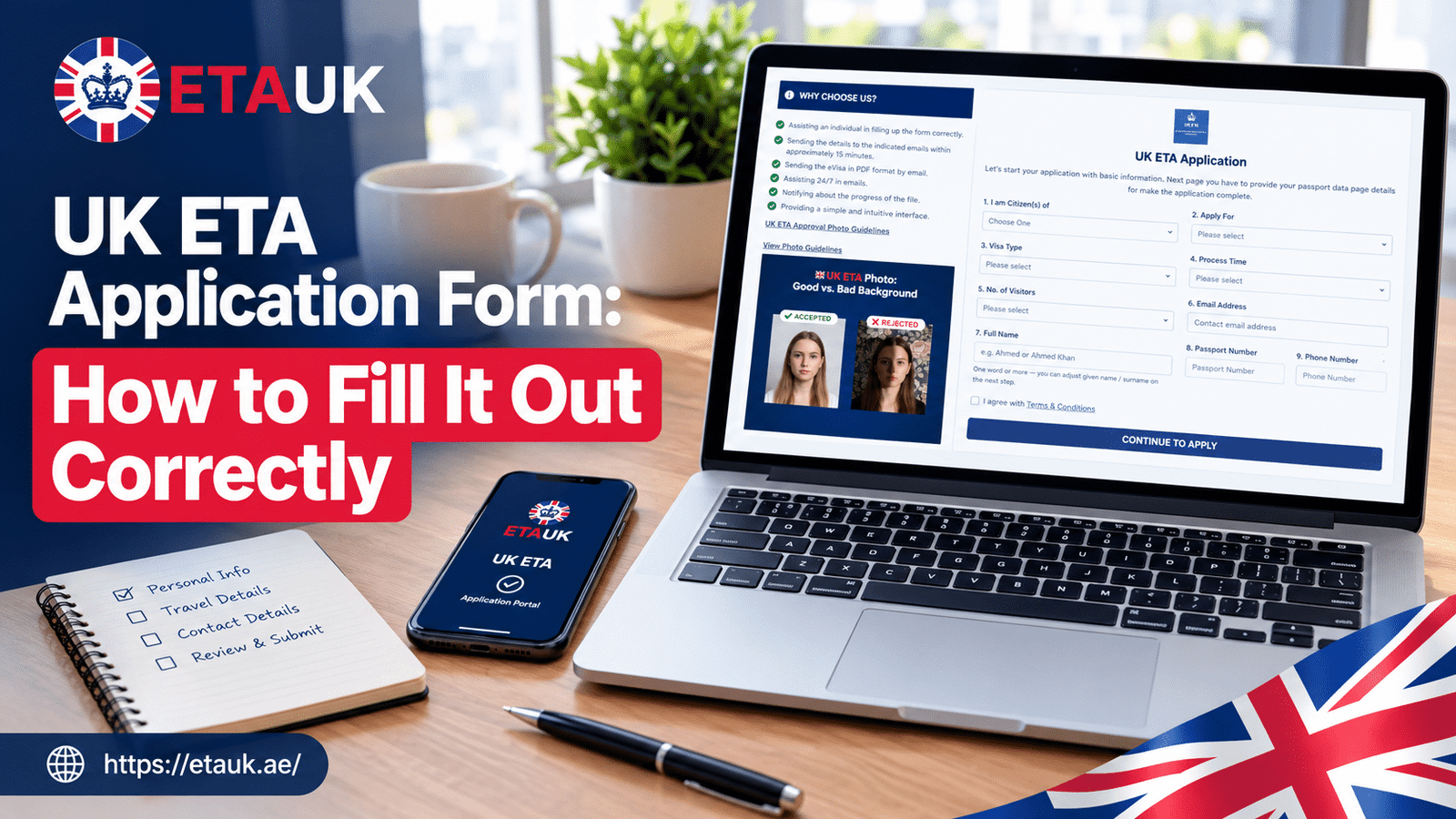
The UK ETA form is short. Most people finish it in about 10 to 15 minutes. But short does not mean forgiving. One wrong digit in a passport number or one misspelled name can mean a refused or delayed application, and a travel plan that suddenly gets stressful.
This guide walks through the form the way a careful person would. You will see what to get ready, what each section really asks, the mistakes we see most often, and when it makes sense to get help.
Official UK ETA Application: https://application.etauk.ae/
Before You Start: Get These Things Ready
Do not open the form until you have everything in front of you. Stopping halfway to hunt for a document is how typos happen. Our documents required checklist covers the full list, but here are the basics.
- Your passport. It must be the same passport you will travel with. Your ETA is linked to that exact passport. See our passport requirements guide if you are not sure yours qualifies.
- A working email address. Your decision goes here. Use one you check daily, and make sure you spelled it right.
- A clear photo of your face. A recent phone photo works if the lighting is good and nothing blocks your face.
- A phone number you can be reached on.
- A payment card. Check that it works for online payments before you begin.
- Your travel details, such as the purpose of your trip and where you plan to stay, if you know them.
Quick tip: if your passport is close to expiring, check the date first. Your ETA only lasts as long as the passport it is tied to, so a passport with only a few months left is not a good match. Our page on ETA validity and duration explains how this works.
Step by Step: What the Form Asks and How to Answer
1. Passport details
This is where most errors happen. Copy the details from the passport’s photo page, not from memory and not from an old copy.
- Passport number: Read it twice. The letter “O” and the number “0” look alike. So do “I” and “1.”
- Name: Enter it exactly as printed in your passport. If your passport has one given name only, do not add a second one. If it has three names, enter all three.
- Dates: Issue date, expiry date, and date of birth all need to match the passport exactly.
- Nationality: Pick the nationality shown on the passport you are using.
A real example: a traveler from the Gulf entered his name the way he writes it on his work email, with a shortened middle name. His passport showed the full name. The mismatch had to be fixed before his application could move forward, and he nearly missed a family visit. The fix took a few minutes. Finding the problem took much longer.
If you hold a UAE passport, we also wrote a focused guide on the application form for UAE passport holders.
2. Your photo
Treat this like a passport photo, even though it is taken on your phone.
- Face the camera straight on.
- Use a plain, light background.
- Take off sunglasses and avoid heavy filters.
- Make sure your whole face is visible and sharp.
A blurry or dark photo is one of the most common reasons people have to start again. Our photo requirements and specifications page shows exactly what works. Some applicants are also asked for face scan details, which we explain in the biometric information guide.
3. Contact details
Type your email slowly. Then type it again. A single wrong letter means your decision goes to a stranger’s inbox, and you will be left wondering why nothing arrived. If you use a shared family email, make sure the person who uses it knows to watch for your message.
4. Travel and purpose
Be honest and simple. The ETA covers things like tourism, visiting family and friends, business meetings, and short study. Pick the reason that matches your real plan.
- Going to see relatives? Read about visiting family and friends.
- Going for tourism? See tourism or visiting family and friends.
- Going for work? Our guide on business meetings explains what is allowed.
- Planning a short course? Check short-term study.
Do not pick a purpose just because it seems easier. Your answers should match what you tell the border officer when you arrive. It also helps to read about activities that are not allowed so there are no surprises.
5. Background and eligibility questions
You will be asked about your past, including any criminal convictions and any previous problems with immigration in the UK or other countries. Answer every question truthfully, even if the answer is uncomfortable. Our guide on security questions for GCC applicants explains what to expect.
If something in your past makes you unsure how to answer, do not guess and do not leave it out. Giving false information is treated far more seriously than the original issue, and it can affect future travel for years. If you are unsure, pause and get advice before you submit.
6. Review and payment
This is your last chance to catch errors. Read every field one more time, slowly, with your passport next to you. Then confirm and complete payment.
The Most Common Mistakes (and How to Avoid Them)
- Wrong passport number. Fix: compare each character against the passport, one by one.
- Name not matching the passport. Fix: copy it exactly, including spelling and order.
- Using a different passport to travel. Fix: if you get a new passport, you need a new ETA. Do not assume the old one carries over.
- A typo in the email address. Fix: type it twice and check it before submitting.
- A poor photo. Fix: use daylight, face the camera, no filters.
- Skipping the review page. Fix: always take a full minute to read everything again.
- Applying at the last minute. Many people get an answer quickly, but not everyone does. Give yourself extra days.
Want to see more? We keep a longer list of common application errors and errors with fixes.
How Early Should You Apply?
Do not book non-refundable flights or hotels until you have your decision. Apply as soon as your dates are firm, ideally a week or more before you travel. That gives you room to fix any problem without panic. If you are traveling for a wedding, a business event, or a school term start, give yourself even more time. You can read more about processing time before you plan.
What Happens After You Submit?
You will get an email. Keep it. Once your ETA is approved, it is linked to your passport electronically, so you do not need to print a paper permit. Still, it is smart to save a copy of the approval email on your phone, just in case an airline asks you for it.
If you want to see where things stand, use our application status check. And if your application is not approved, do not panic. Our guide on how to reapply after a rejection shows what to do next.
An ETA generally lets you make multiple visits for short stays during its validity period, and each stay can be up to six months. It is for visiting, not for working long term or settling in the UK. If you are not sure whether you need an ETA or a visa, read UK ETA vs UK visa differences.
Applying as a Family
Parents, spouses, and children each need their own ETA, and consistency matters. If one person spells a surname differently from another, check each passport carefully. Our family group application guide walks through how to keep everyone’s details accurate.
Should You Do It Yourself or Get Help?
Many people complete the form on their own with no trouble. If you have your passport in hand and a quiet ten minutes, you can do it.
Help makes sense when:
- English is not your first language and you want someone to check your answers.
- You are applying for a family group and want everything to stay consistent.
- You have a name that is written in different ways across documents.
- You are unsure about one of the background questions.
- You simply want a second pair of eyes before you press submit.
That is what we do at UK ETA Application. Our team checks your details before they go in, points out anything that looks off, and is there if you have questions along the way. Browse more tips on our blog, check the FAQ, or contact us directly.
A Simple Pre-Submit Checklist
Before you press the final button, ask yourself:
- Does my name match my passport letter for letter?
- Did I check the passport number twice?
- Is my passport valid for long enough?
- Is my email address correct?
- Is my photo clear and well lit?
- Did I answer every question honestly?
- Do I know which passport I am traveling with?
If you can say yes to all seven, you are in good shape.
Frequently Asked Questions
Can I fix a mistake after I submit?
It depends on what the mistake is. Some errors can be corrected, but others mean you need to apply again. That is why the review step matters so much.
Do children need their own ETA?
Yes. Each traveler, including children and babies, needs their own ETA tied to their own passport.
Can I apply for someone else?
Yes, many people apply for relatives or colleagues. Just make sure you have their passport details in front of you and use their information, not yours.
What if my passport expires soon?
Your ETA depends on your passport. If you renew your passport, you will need to apply for a new ETA with the new passport details.
Is the ETA a visa?
No. It is a travel permission for eligible visitors who do not need a visa for short trips. Check the eligibility page to confirm you qualify.
Ready to Apply?
Take your time with the form. Slow and careful beats fast and sorry. If you want someone to review your details before you submit, our team at UK ETA Application is ready to help. Start your UK ETA application today.