
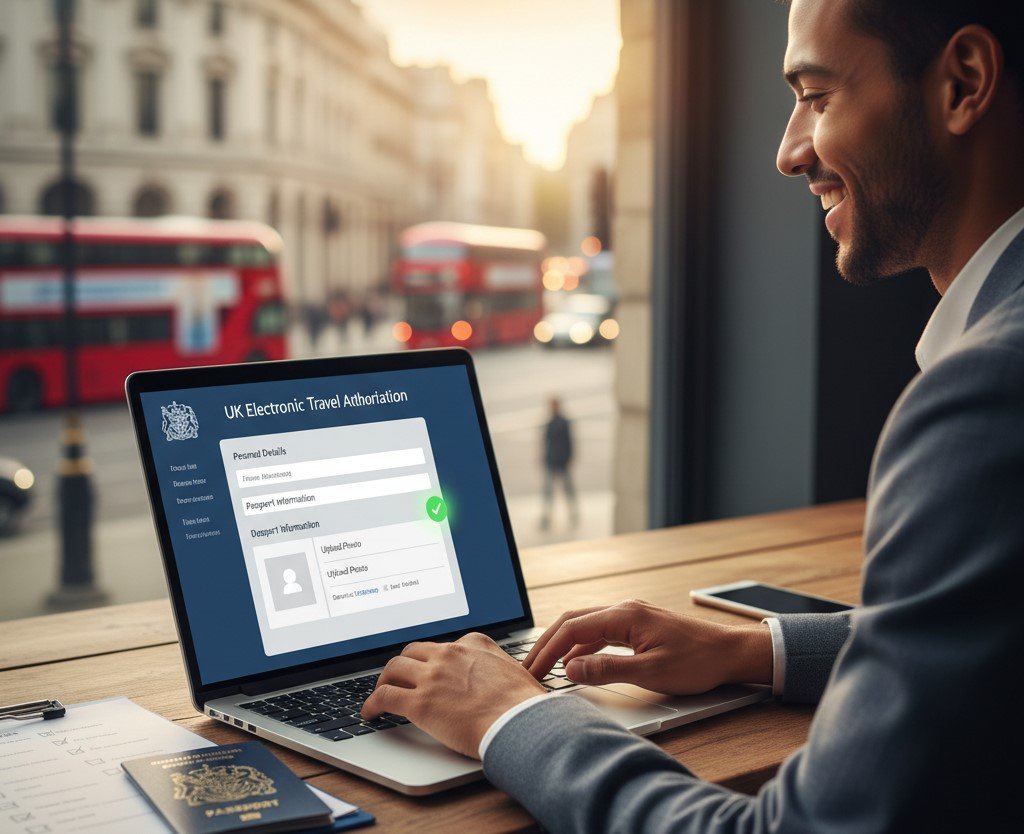
Planning a trip to the United Kingdom is an exciting prospect. Whether you’re dreaming of exploring London’s historic landmarks, hiking through the Scottish Highlands, or enjoying the vibrant culture of Manchester, a new crucial step is on the horizon for many travellers: the UK Electronic Travel Authorisation (ETA).
This new digital travel permit is designed to streamline and secure the UK’s borders. While the process is straightforward, the key to a stress-free experience lies in preparation. One tiny mistake on the UK ETA application form can lead to delays or even rejection.
But don’t worry, we’ve got you covered. This guide will walk you through every required field and document, ensuring you have everything you need for a smooth and successful application. Let’s dive in and get you one step closer to your UK adventure.
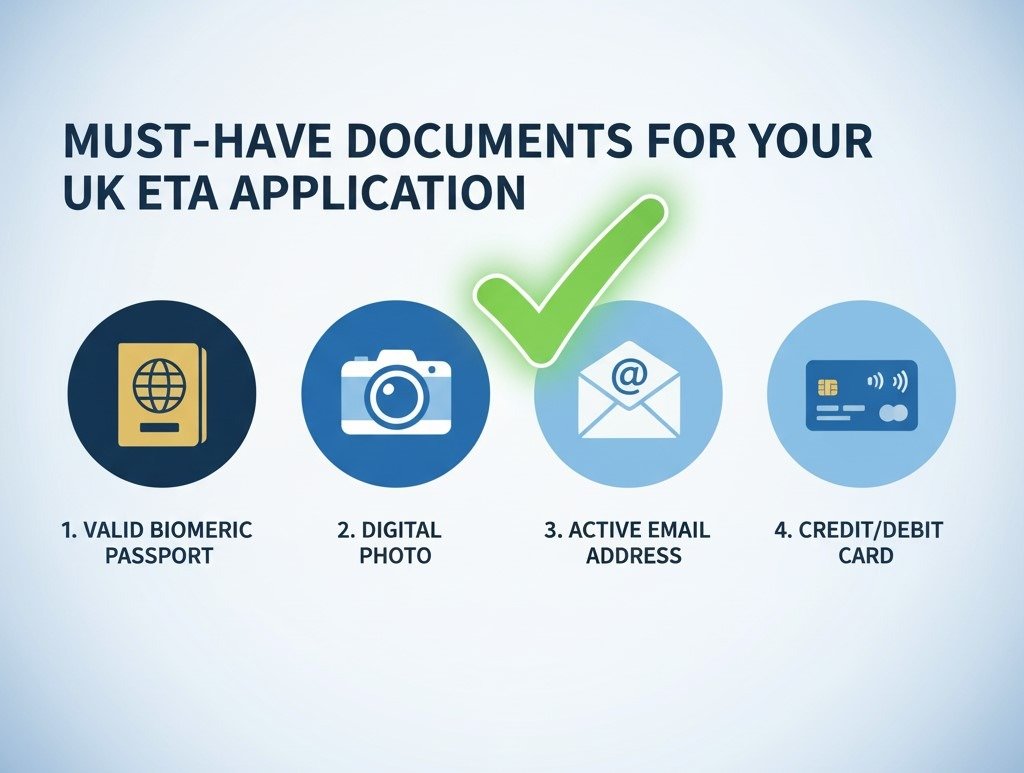
Before You Begin: Your Essential UK ETA Document Checklist
A successful journey starts long before you pack your bags. In this case, it starts with gathering your documents. Having everything ready before you start the online ETA application will save you time and prevent common errors. Think of this as your pre-flight checklist.
A Valid Biometric Passport
This is your most important travel document. The UK ETA system requires a biometric passport from an ETA-eligible country.
- What is a biometric passport? It’s a modern passport with an electronic chip containing your personal data and photograph. You can identify it by the small, rectangular camera-like symbol on the front cover.
- Check the Expiry Date: Your passport must be valid for the entire duration of your intended stay in the UK. Don’t risk having your application denied because of an expiring passport. Ensure your biometric passport details are current.
A Recent Digital Photograph
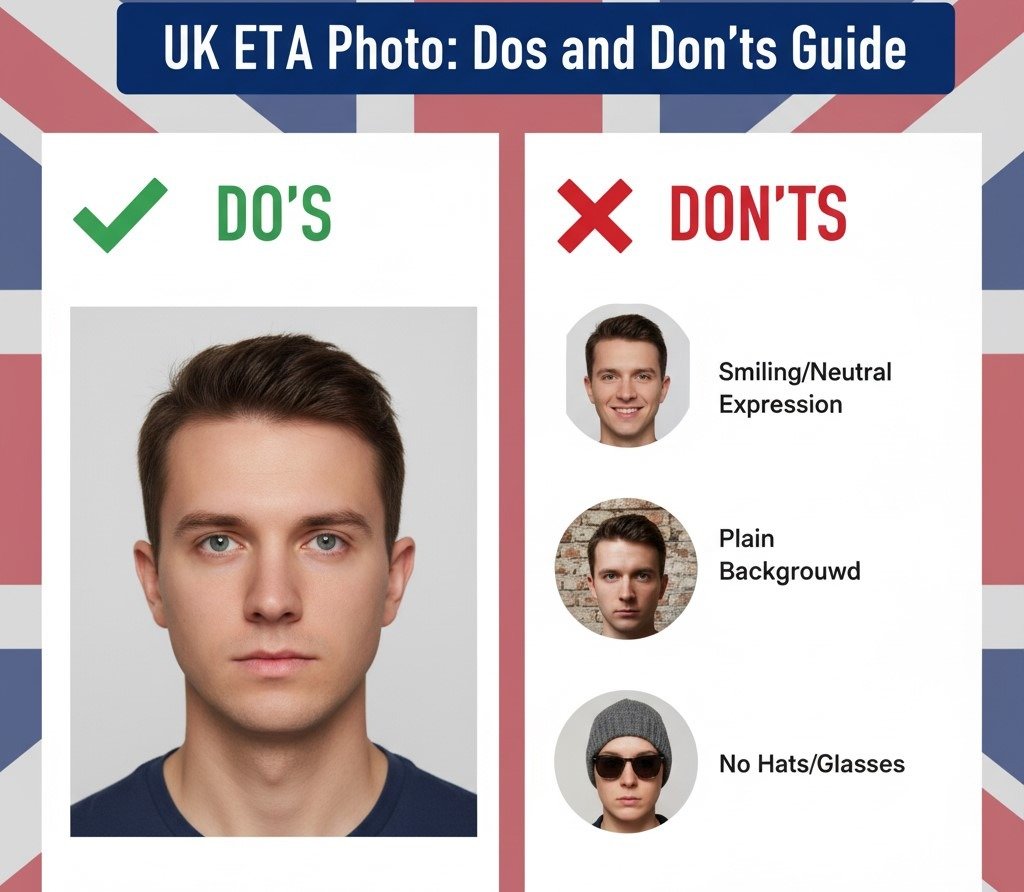
You’ll need to provide a high-quality digital photograph that meets the UK government‘s specific requirements. This is one of the most common areas where applications fail, so pay close attention. The photo must:
- Be a recent, colour photo (taken in the last 6 months).
- Have a plain, light-coloured background.
- Show your full face, looking directly at the camera, with a neutral expression.
- Be free of shadows on your face or in the background.
- Not have any “red eye.”
- Adhere to strict guidelines about head coverings (only for religious or medical reasons) and glasses (they must not create glare or cover your eyes).
A Valid and Active Email Address
This might seem obvious, but it’s critically important. All communications regarding your UK electronic travel authorization, including the final decision and your approved ETA, will be sent to the email address you provide. Use a primary email that you check regularly and double-check for any typos before you submit.
A Credit or Debit Card for Payment
There is a non-refundable fee associated with the UK ETA application. You will need a valid credit or debit card (like a Visa or Mastercard) to make the secure online payment and complete the submission process.
Navigating the UK ETA Application Form: A Field-by-Field Walkthrough
Now that you have your documents ready, it’s time to tackle the form itself. The UK ETA form is entirely online and designed to be user-friendly. We’ve broken it down into its main parts to show you how to fill out the UK ETA application form with confidence.
Part 1: Your Personal Details
This section is all about you. Accuracy is everything. The information you enter here must perfectly match what is written in your passport.
- Full Name: Enter your first, middle, and last names exactly as they appear on your passport’s biographical page.
- Date of Birth: Enter your birth date in the required format (e.g., DD/MM/YYYY).
- Gender: Select your gender as it is listed in your passport.
Part 2: Passport and Contact Information
Here, you’ll enter the details from the documents you gathered earlier. Take your time and double-check every number and letter.
- Passport Number: This is the unique number assigned to your passport. Transcribe it carefully.
- Issuing Country: Select the country that issued your passport from the dropdown list.
- Issue & Expiry Dates: Enter the date your passport was issued and the date it expires.
- Contact Details: You’ll be asked to re-enter your email address and provide a contact phone number.
Part 3: Answering the Security Questions
As part of the UK’s enhanced security measures, all applicants must answer a series of questions. These typically relate to your character and past immigration history, including questions about criminal convictions. It is essential to answer every question truthfully and accurately. Providing false information can lead to your application being rejected and may affect future travel to the UK.
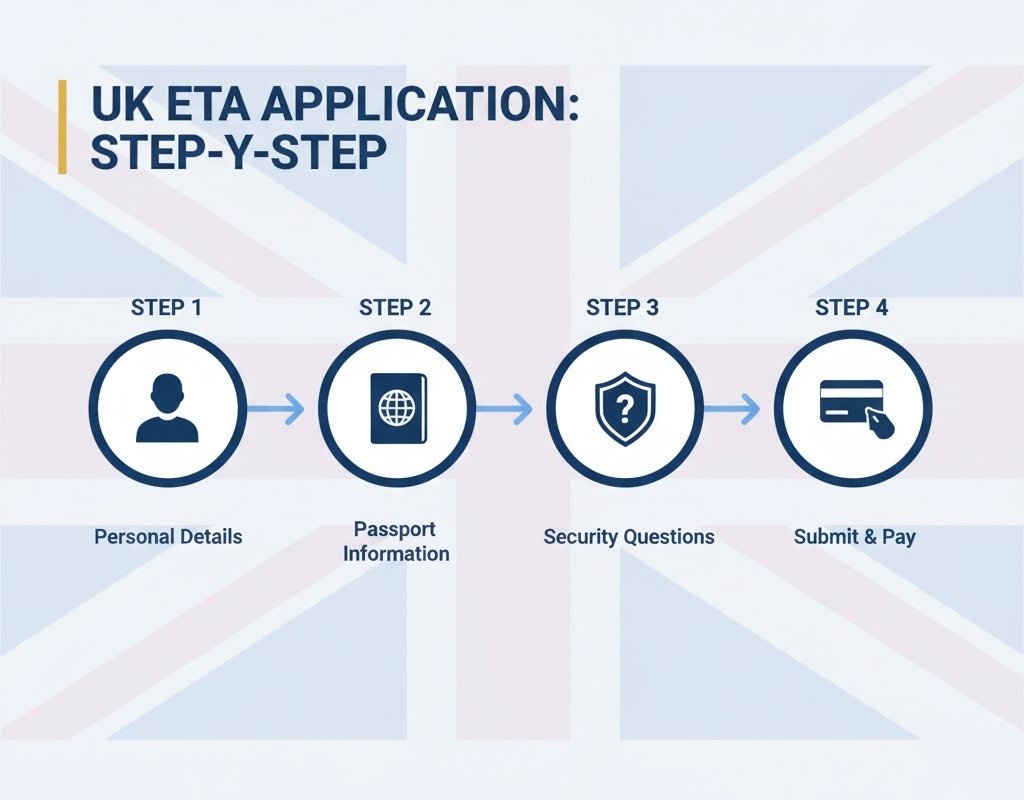
Photo Fails: Common Mistakes That Lead to ETA Application Rejection
As we mentioned, the digital photograph is a major hurdle for many applicants. To help you succeed, let’s look at the most common photo mistakes to avoid. Submitting a non-compliant photo is one of the quickest ways to get your application sent back.
- Don’t Use a Filtered Photo: Selfies from social media with filters are not acceptable.
- Don’t Have a Busy Background: Your background must be plain and light-coloured. A photo taken against a brick wall or in a cluttered room will be rejected.
- Don’t Smile or Frown: A neutral expression with your mouth closed is required.
- Don’t Let Shadows Obscure Your Face: Ensure your face is evenly lit without any shadows.
- Don’t Wear Unapproved Accessories: Remove hats, sunglasses, and non-prescription glasses.
After You Click ‘Submit’: What to Expect
Congratulations! You’ve filled out the form and made the payment. So, what happens now?
The process is remarkably efficient. Shortly after submission, you will receive an email confirming that your application has been received. The decision-making process is usually very fast, with many applicants receiving their approved ETA within 72 hours, and often much sooner.
Once approved, your ETA is digitally linked to the passport you used for the application. You will receive an email confirmation, but you do not need to print anything out. Your airline will be able to verify your digital travel permit UK electronically when you check in for your flight. Your ETA is valid for two years, allowing for multiple short visits to the UK.
Conclusion: Apply with Confidence
The UK ETA application process marks a significant shift in UK entry requirements, but it doesn’t have to be complicated. By understanding the required fields, gathering the right documents, and carefully checking your details, you can navigate the system with ease.
This guide has equipped you with the knowledge to avoid common pitfalls and submit your application with confidence. Now you’re all set to get your paperwork sorted and start looking forward to the incredible experiences awaiting you in the United Kingdom.
Frequently Asked Questions (FAQs)
What specific documents do I need to apply for a UK ETA?
You will need four key items: a valid biometric passport from an eligible country, a recent digital photograph that meets UK standards, a working email address to receive your confirmation, and a valid debit or credit card to pay the application fee.
Do my children need their own ETA application and documents?
Yes, absolutely. Every individual traveller, regardless of age, must have their own approved ETA to enter the UK. This includes infants and children, who will need their own passport and photo for their individual applications.
What happens if I make a mistake on my UK ETA application form?
Unfortunately, once an application is submitted, the details cannot be amended. If you realize you’ve made a mistake, you will need to submit a completely new application. This will also require paying the application fee again, which is why it’s so important to double-check all information before submitting.
Can I use a different passport to travel than the one I used for the ETA application?
No. The approved ETA is electronically and inextricably linked to the specific passport number you provided in your application. If your passport is lost, stolen, or expires, your ETA becomes invalid. You must apply for a new ETA with your new passport before you can travel to the UK.
Do I need to upload scans of my passport or just enter the details?
The application process requires both. You will need to manually enter your passport details into the form fields and also upload a high-quality scan or clear picture of your passport’s biographical page (the page with your photo and personal information).