What to Do After UK ETA Approval: Your Next Steps for Travel to the UK
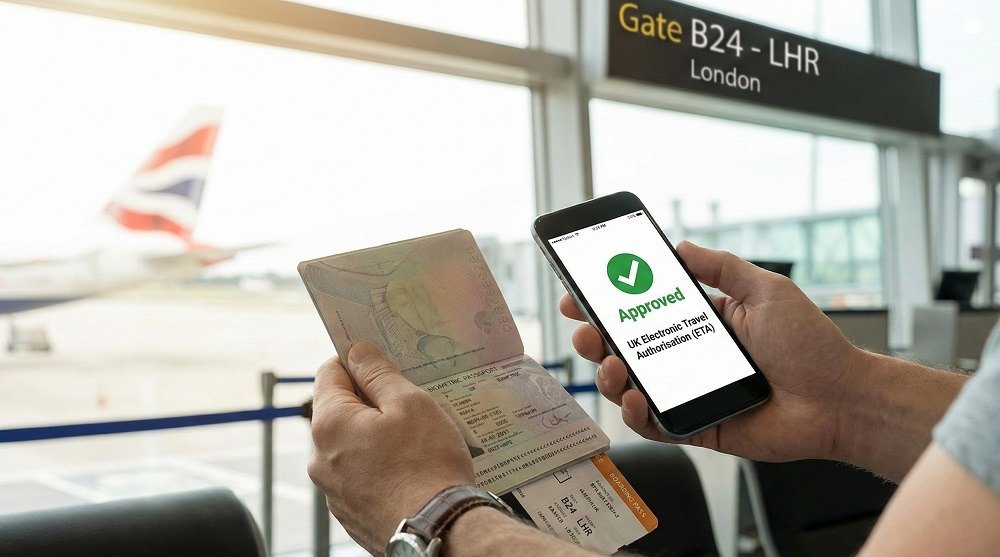
You have successfully applied for your UK Electronic Travel Authorisation (ETA). You’ve received the email confirming your status. But unlike a traditional visa, there is no sticker in your passport and no stamp to verify.
This can feel unsettling. How do you prove you have permission to travel? What happens if the airline asks for a paper copy?
Confusion at this stage is common, but the process is simpler than you think. This guide covers exactly what happens next, how the “digital link” works, and how to ensure a smooth entry into the UK.
You’re Approved! Understanding Your Digital Status
Once you receive an approval email from the Home Office (or a confirmation from etauk.ae if you applied through us), your travel permission is live.
The most important thing to understand is that your ETA is digital. It is not a physical document. It exists solely as a record in the UK Visas and Immigration (UKVI) database.
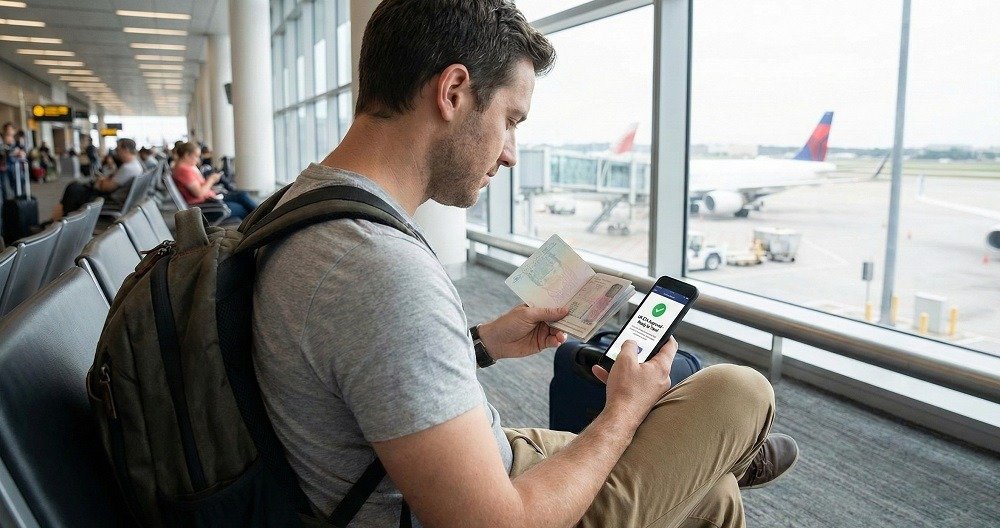
Crucially, this digital record is electronically linked to the passport number you used during your application. When a border officer or airline staff member scans your passport, their screen immediately shows “ETA Approved.”
Note: If you applied via etauk.ae, we send you a verified confirmation email. We recommend “starring” or flagging this email so you can find your reference number quickly if needed.
The “Invisible” Document: Do You Need to Print Your ETA?
This is the most frequent question we receive: “Do I need to print the email?”
The short answer is no. You do not need to present a physical paper copy at the border. The system is entirely paperless.
However, technology can sometimes fail. Phones run out of battery; internet connections drop. For your own peace of mind, we recommend keeping a screenshot of your approval email or the Global Web Form (GWF) reference number on your phone.
ETA vs. Traditional Visa: The Difference
Feature
UK ETA
Traditional Visa / EVW
Format
100% Digital (Database Record)
Physical Sticker or Printed Paper
Linkage
Auto-linked to Biometric Passport
Manually checked by officer
Presentation
No action needed (Scan Passport)
Must hand over paper documents
Processing
Automated at ePassport Gates
Manual check at Border Control desk
Before You Fly: Your Essential Pre-Travel Checklist
Your ETA is approved, but you aren’t on the plane yet. Airlines play a major role in the UK’s border security. They must verify every passenger’s status before boarding.
The Airline “API” Check
When you book your flight or check in online, you provide your passport details. The airline’s system sends this data to the UK government via an API (Advance Passenger Information).
If your ETA is valid and linked to that passport, the system returns a “Clear to Board” message. This happens in milliseconds. You likely won’t even notice it.
Critical Safety Check
If you use a different passport than the one you applied with, the airline will not receive that clearance. You will be denied boarding.
Quick Checklist:
[ ] Does the passport number on your ticket match your ETA application exactly?
[ ] Is your passport valid for your entire stay in the UK?
[ ] Do you have proof of funds and return travel details? (Rarely asked, but required by law).
Arriving in the UK: Navigating Border Control
When you land at Heathrow, Gatwick, or any other UK entry point, the experience is streamlined for ETA holders.
Using the ePassport Gates
Travelers from the GCC (UAE, Saudi Arabia, Qatar, etc.), EU, and other eligible nations can typically use the ePassport Gates.
Walk to the automated gates.
Place your passport photo page on the scanner.
Look at the camera.
The gate opens.
The scanner reads your chip, finds your linked ETA in the database, and admits you. You do not need to speak to a Border Force officer.
When to See an Officer
If the eGates are closed, or if you are traveling with children under 12 (who cannot use the gates), you must see an officer. Simply hand them your passport. They will scan it and see your approved status on their screen.
Valid for How Long? Managing Your ETA Lifecycle
Your ETA is not just for a single trip. It is a multi-entry permission.
Validity Period: 2 Years.
Stay Duration: Up to 6 months per visit.
Number of Visits: Unlimited (within reason—you cannot “live” in the UK via frequent visits).
The “New Passport” Rule
This is the most critical rule to remember: Your ETA dies with your passport.
If your passport expires or is lost/stolen and replaced, the link is broken. The ETA does not transfer to your new document. You must apply for a brand new ETA with your new passport details.
If you are unsure if your current ETA is still valid, you can use the status check services on etauk.ae to verify before you book your flight.
Frequently Asked Questions (FAQ)
Do I need to print my UK ETA?
No, you do not need to print it.
The ETA is digitally linked to your passport. However, keeping a digital screenshot of your approval email or reference number is a smart backup in case of system outages.
How do I show my ETA at the UK border?
You simply scan your biometric passport.
Whether you use the ePassport gates or speak to an officer, scanning your passport automatically pulls up your approved status from the UKVI database.
Can I book my flight immediately after UK ETA approval?
Yes, you can book immediately.
Once you have the approval email, you are cleared to travel. Ensure the passport details on your flight booking match the passport you used for the ETA.
How long is the UK ETA valid after approval?
It is valid for two years.
You can travel as many times as you like within those two years. However, if your passport expires sooner than two years, your ETA expires on the same day as your passport.
What if I get a new passport after my ETA is approved?
You must apply for a new ETA.
Your permission is legally tied to the specific passport number. You cannot transfer an old ETA to a new passport.
Ready for your trip?
If you haven’t applied yet, or need to check the status of an existing application, visit etauk.ae. We simplify the process to ensure you are ready to fly without the stress.